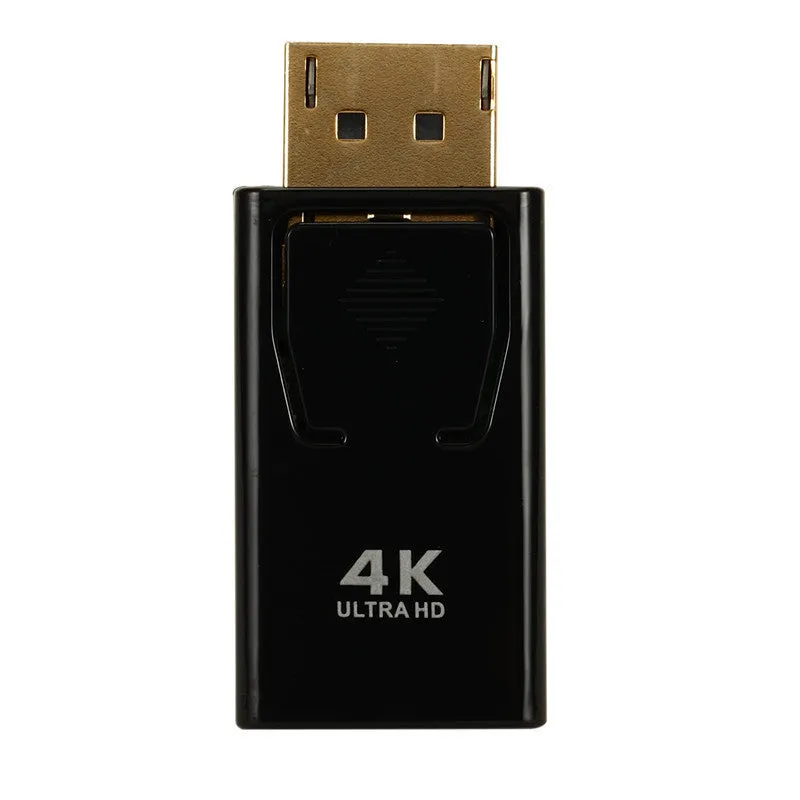
DisplayPort to HDMI Adapter Cable Black DP to HDMI 4K Adapter Connects DP Source Devices to HDMI Displays Supports Data Transfer Up To 100 MB/s Using Copper Core Construction


DisplayPort to HDMI Adapter Cable Black DP to HDMI 4K Adapter Connects DP Source Devices to HDMI Displays Supports Data Transfer Up To 100 MB/s Using Copper Core Construction
Black DisplayPort to HDMI Adapter Cable for Connecting DP Sources to HDMI Displays
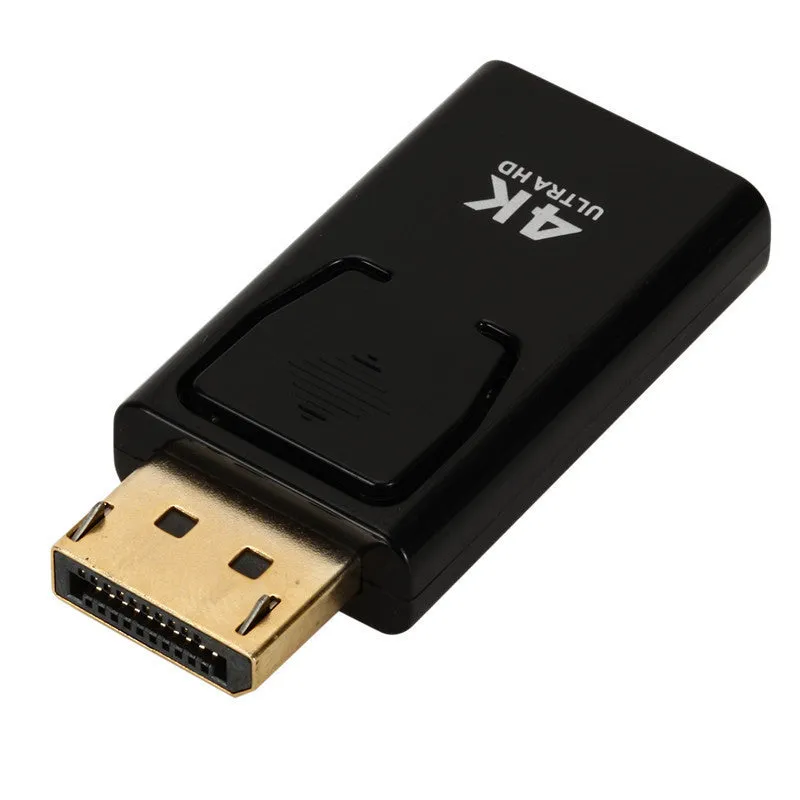
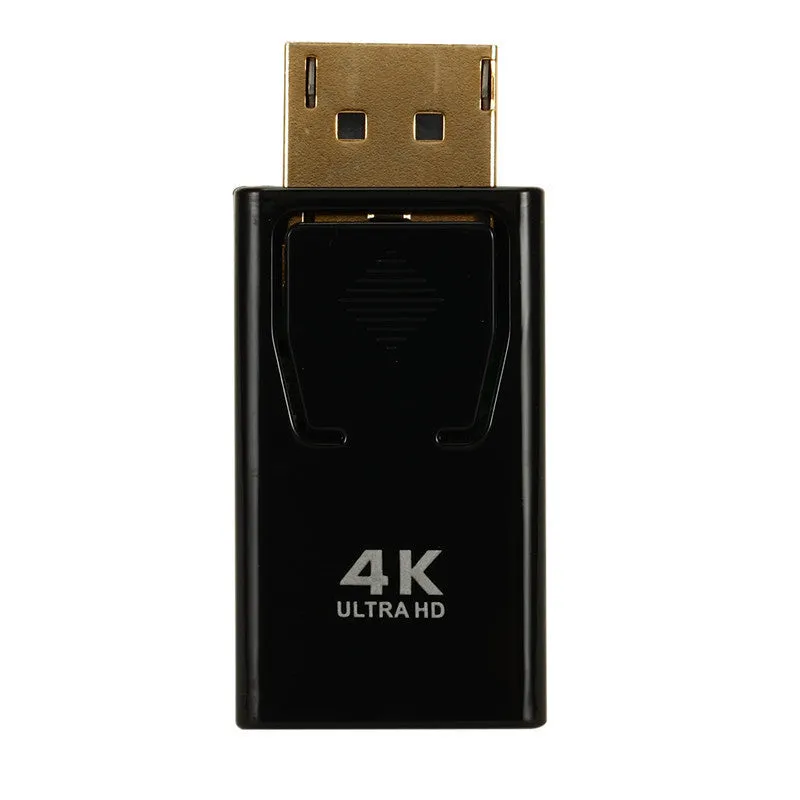
This DisplayPort to HDMI adapter provides a simple solution for connecting a video source, such as a modern laptop, desktop PC, or graphics card, to a display with an HDMI input. It bridges the gap between these two common digital interface standards, allowing you to use monitors, TVs, or projectors that only have an HDMI port with your DP-equipped device. The adapter is a passive device designed for straightforward signal conversion, facilitating extended desktops, mirrored displays, or presentations on a larger screen. Its compact, all-black design makes it discreet and easy to carry in a laptop bag or toolkit.
Features and Construction
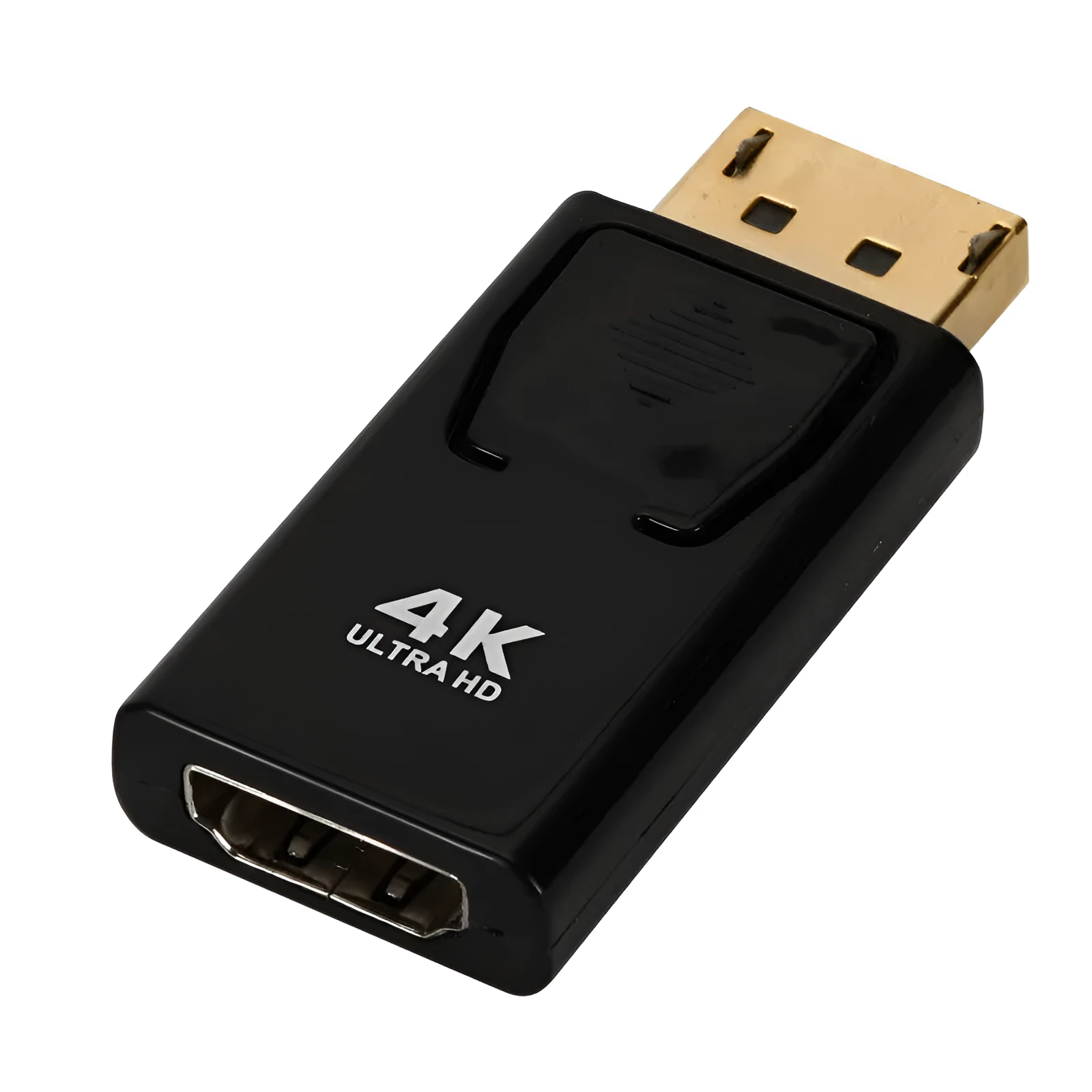
The adapter's primary function is to physically and electrically convert a DisplayPort signal connector to an HDMI interface. This section details its build and the practical implications of its stated specifications.
Material and Build
The adapter is specified to use copper core wire. Copper is a standard, conductive material used in electronic cabling for its ability to effectively carry electrical signals with minimal resistance. This construction is typical for such adapters and forms the essential pathway for the video and audio data being transmitted from your source device to the display. The external housing is finished in black, offering a neutral appearance that blends with most computer and AV equipment.
Size and Practical Fit
The product is described as a 'conversion head,' indicating a compact adapter that plugs directly into the ports. This design minimises clutter and strain on the device ports compared to a long cable with integrated conversion. It requires the user to supply their own standard HDMI cable to complete the connection between the adapter and the display. This modular approach can be advantageous, as you can use an HDMI cable of your preferred length.
Uses and Placement
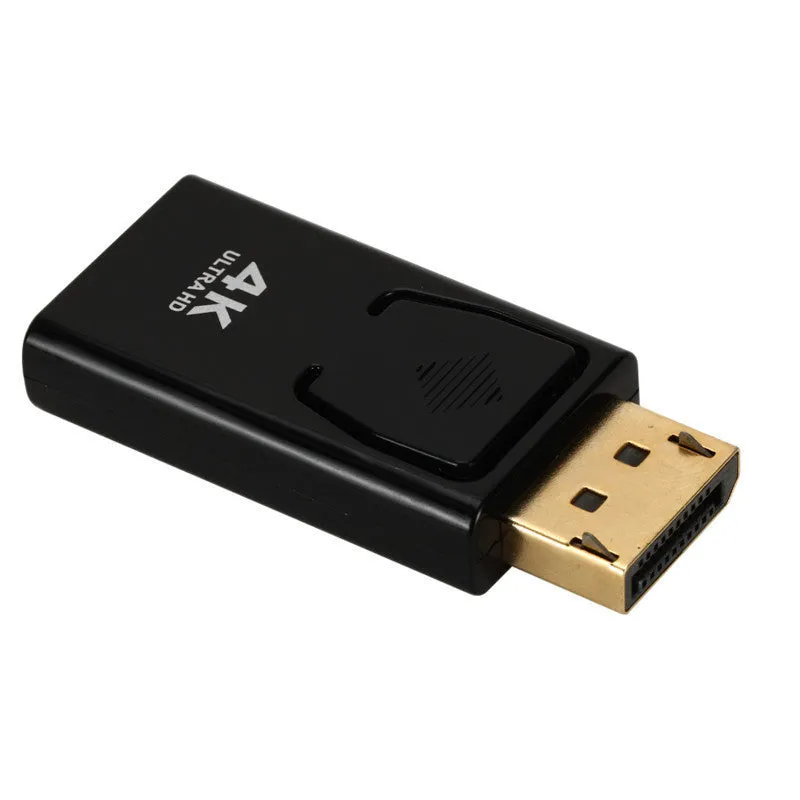
This adapter serves a specific connectivity need in various professional, educational, and personal computing environments. Its use is defined by the common port mismatch it resolves.
Event or Professional Use
In meeting rooms, conference halls, or classrooms, presentation laptops often feature DisplayPort outputs, while installed projectors and large displays frequently have HDMI inputs. This adapter enables presenters to connect their devices directly without requiring complex AV switching systems. IT support teams may also keep such adapters on hand as part of a standard connectivity toolkit to quickly resolve display connection issues in an office environment.
Everyday Home Use
For home users, the adapter allows a desktop PC with a free DisplayPort on its graphics card to connect to a living room television for gaming or media streaming. It can also help extend the life of an older HDMI monitor by connecting it to a newer computer that only has DisplayPort outputs. The setup is plug-and-play, requiring no additional software or drivers for basic display functionality, making it suitable for non-technical users.
Benefits and Buying Value
The value of this adapter lies in its specific function and practical application. It is a focused tool for solving a common hardware compatibility problem.
Reuse and Low Maintenance
As a passive adapter with no moving parts or internal circuitry requiring power, it is a reliable and low-maintenance accessory. There is no software to update or batteries to charge. Its durability is tied to the quality of its connectors and the care taken during insertion and removal. By allowing you to use your existing HDMI cable, it can also reduce electronic waste compared to buying a new, combined DP-to-HDMI cable if you already own a suitable HDMI cable.
Why Choose This Product
This adapter is a straightforward choice for users who have confirmed they need to convert a DisplayPort signal to HDMI. The mention of support for data transfer up to 100 MB/s indicates a capability for handling video bandwidth, though for full 4K resolution support, compatibility with specific HDMI versions (like HDMI 2.0) would be a necessary factor to verify independently, as the source text does not specify this detail. It represents a cost-effective way to enable connectivity without replacing cables or devices.